To create a sponsored account, go the top-level Sponsored accounts folder (not the folder in Settings > Modules, which is where the definitions are held).
This will show a list of accounts you have previously created, which may be empty.
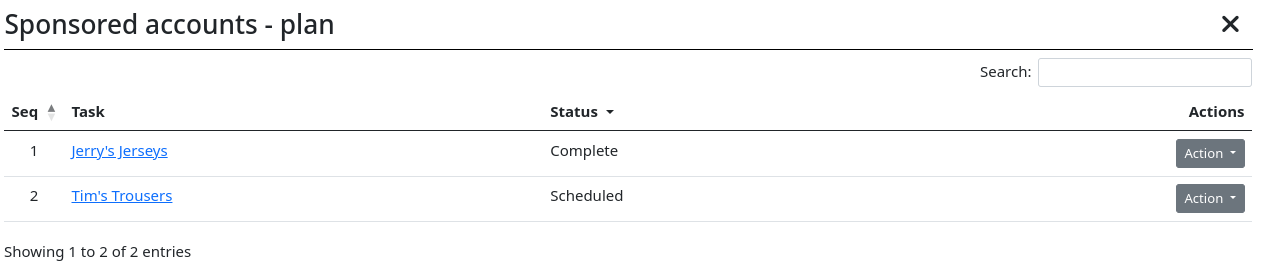
To create a new account, use the New account icon. Fill in the form. The form sections will depend on what has been set in the definition - some fields may be missing.
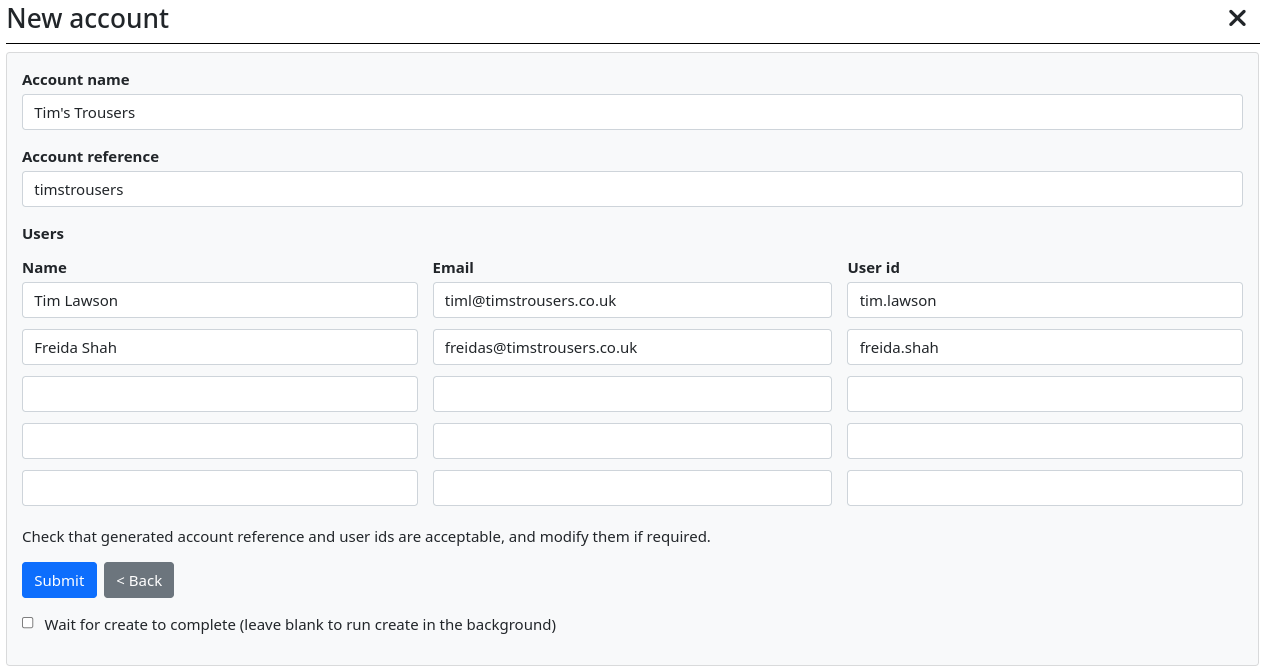
| Account name |
Name for the account. For an organisational account, enter the name of the organisation. For a single user account, enter the person's name. |
| Account reference |
Reference for the account This will be set as you enter the account name. Check the account reference, and modify the if required. |
| Account holder email |
The email address to which to send the account holder welcome email. This will only be shown if the account ownership in the definition is set to ask. |
| Users |
A grid of names, email addresses and user ids for users in the new account. This will not be shown if the users in the definition is set to none. The user ids will be set as you enter the name and email address. It will generally use the first part of the email address, unless this is a common address (such as info@), in which case it will create a user id based on the user name. Check the user ids, and modify if required. |
Use Submit to create the account.
The submission will create a new task which will show progress of the account creation. Click on the Sponsored account heading to refresh the list.
Account creation is carried out in the background. It will take a couple of minutes to complete, or possibly longer depending on system workload. It will then show as Complete or Error. If there is an error, use the View log menu option to view the error.
In the unlikely event that the account setup failed part way through, you may need your service provider's assistance to clean up the partially created account before you try again.
Once the account is shown as Complete or Error, you can delete the account creation task. This will not delete the account, only the record of the account creation.